
Think it through. Then make the thing.
Research, plan and write with IRON, the Exvisit agent, and get finished documents, decks, sheets and system maps.
Download for freeWindows and macOS.
Free with your own API key.
Four files from one chat
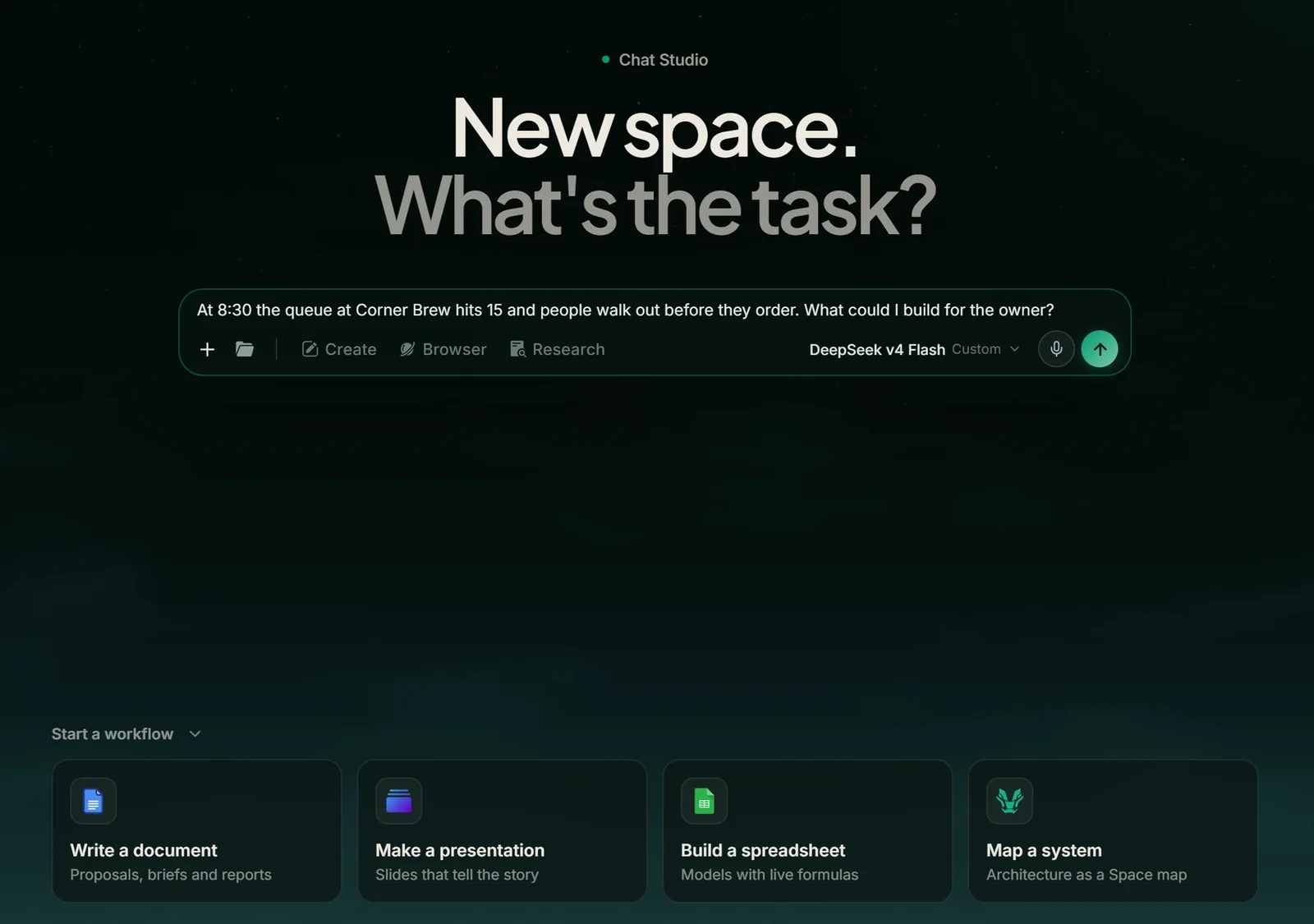
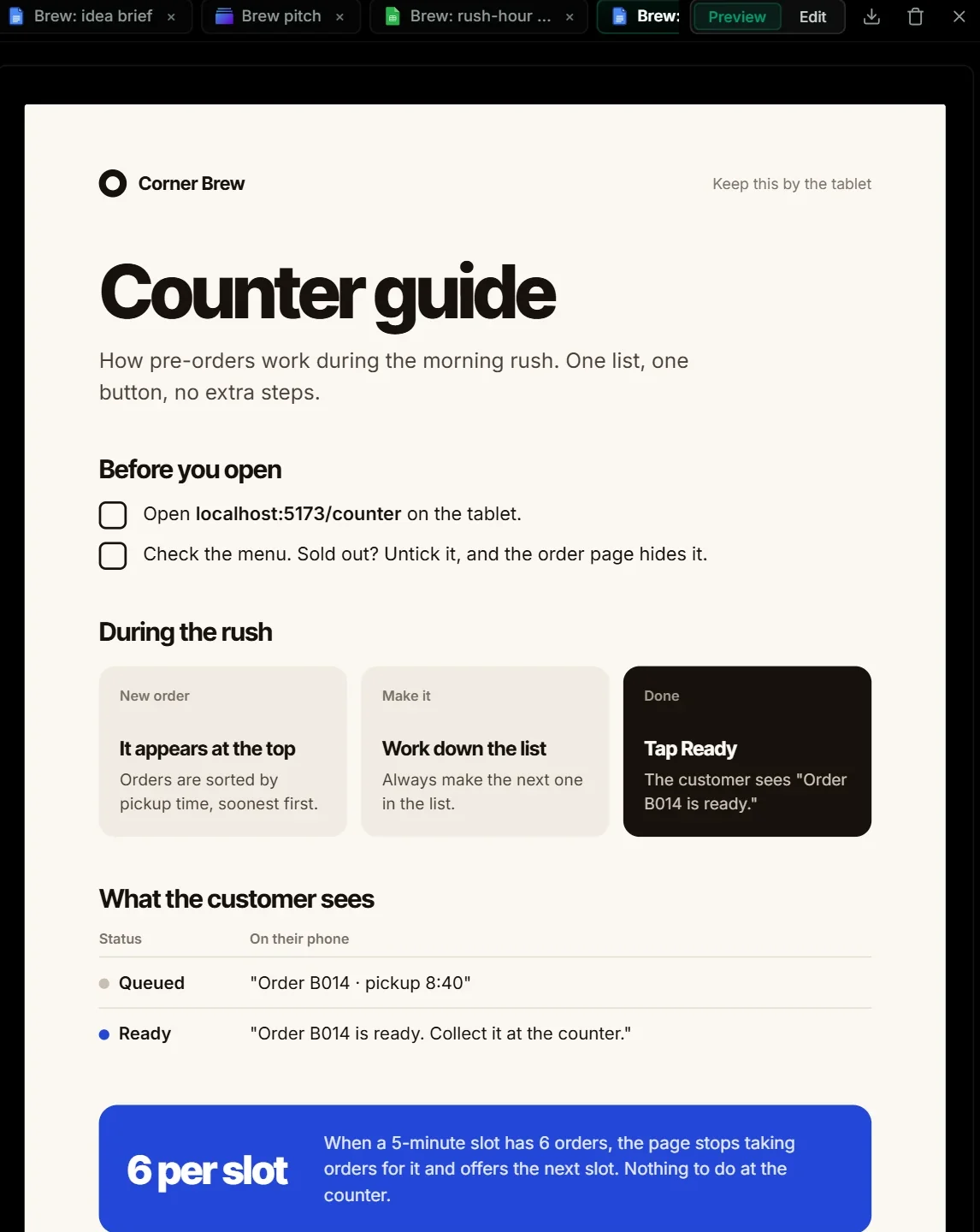
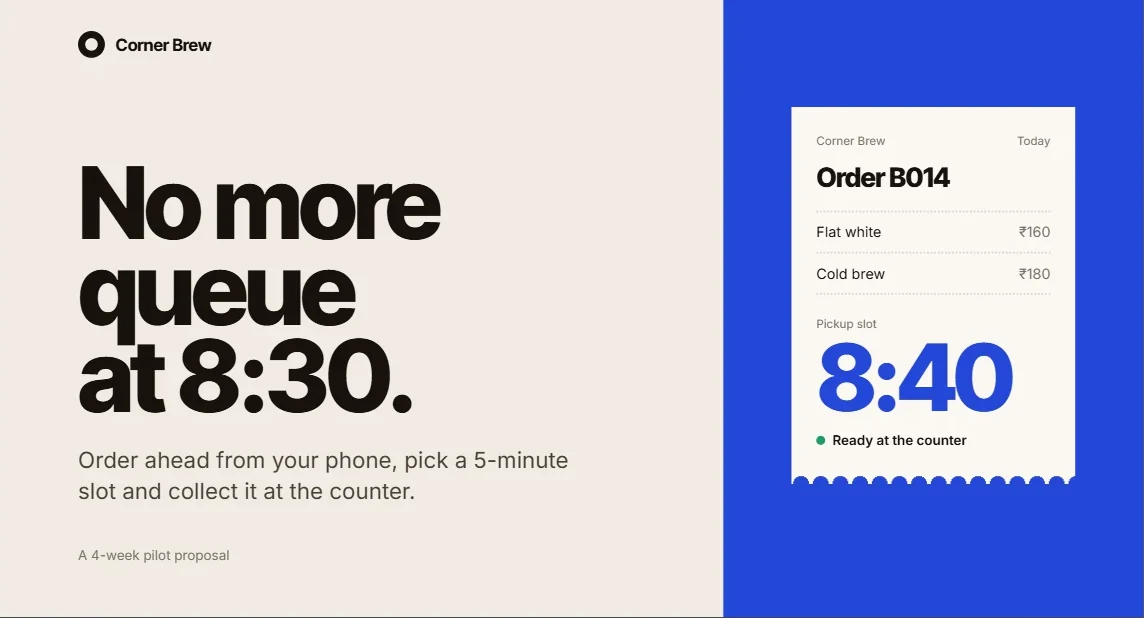
Every file here came from a single question about the 8:30 queue at Corner Brew: a guide, a five-slide pitch, the rush-hour numbers and a map of the system.

Pick a file
Brew pitch · five slides: the problem, the idea, how it works, the numbers, the ask. Present it fullscreen, save it as HTML or export a PDF.
ModelDeepSeek v4 Flash
The numbers in the sheet are samples until the owner adds real ones.
Everything starts in the composer
Attach your material
Add PDFs, notes and images. IRON reads them before it answers.
Work in a project
Open a folder, and answers draw on the files inside it.
Choose what to make
Create sets the file first: a document, deck, sheet or Space map.

Bring in a web page
Open any page in the built-in browser and share it as text or a screenshot.
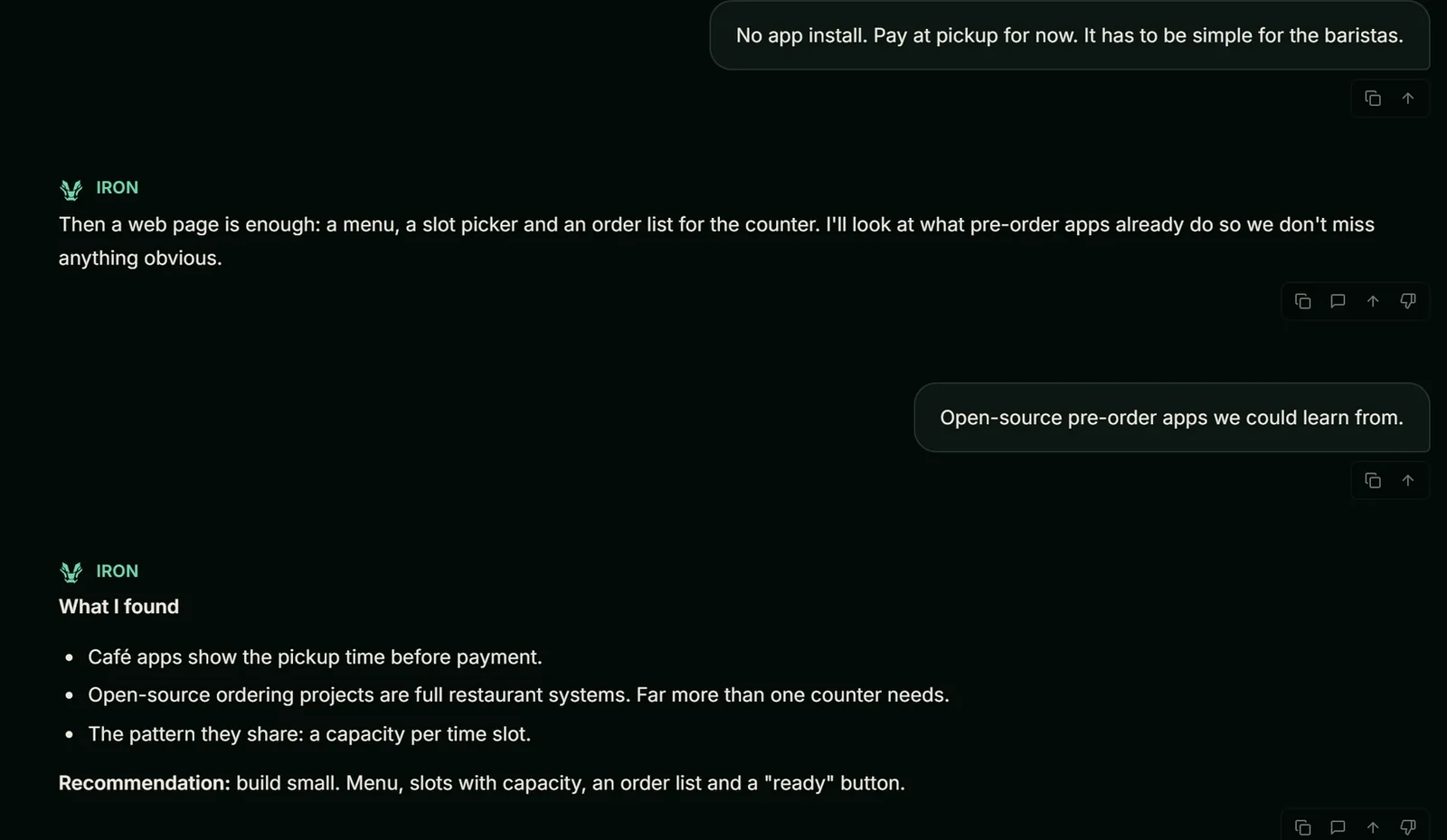
Research before it answers
It searches and reads several sources, then tells you what it found.
Any model
Use your plan's models, or any provider with your own key.
From a question to the files
When it's software, hand it over
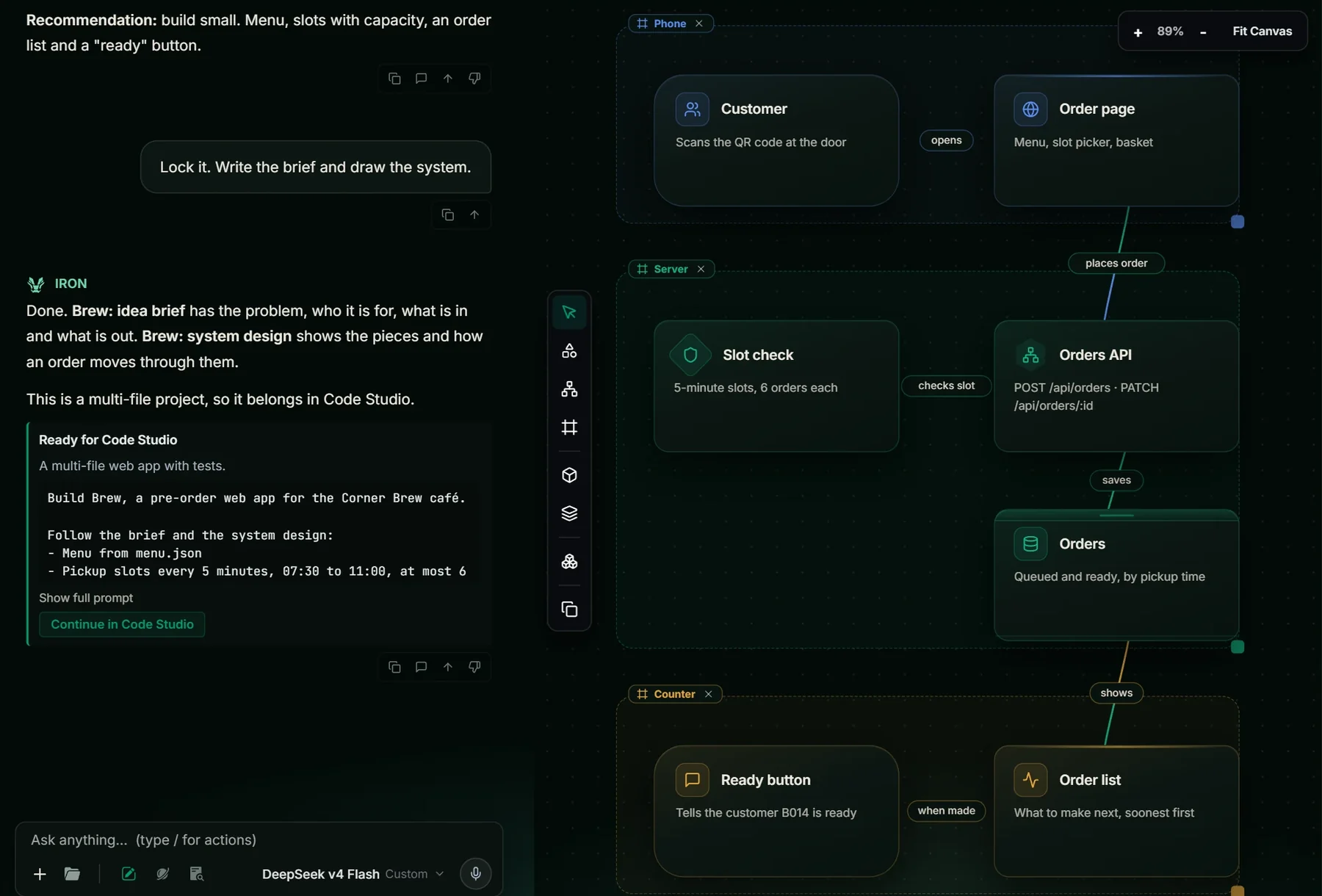
Map a system draws the pieces and how an order moves between them. When the plan is ready, Continue in Code Studio puts it in the coding agent's composer.
Explore Code Studio